How We Built a Production App on Cloudflare Workers
April 16, 2026
In our previous post, we explained why we built Shrtnr and what it replaced. This one goes deeper into the architecture: the runtime, the database, and the framework choices that make it work.
Shrtnr started as an internal tool and became an open-source project because the architecture decisions behind it are worth sharing. This is the stack and the reasoning behind it.
The problem with "just deploy it to a server"
Most URL shorteners follow a familiar pattern. A redirect service runs on a container or a VPS. Requests arrive, hit an application server, query a database, and return a 301 or 302 redirect. It works. It's also slow for anyone who isn't geographically close to wherever that server happens to sit.
If a user in Stockholm clicks a short link, and the server is in the United States, the redirect has to cross the Atlantic before it can even start. Add DNS resolution, TLS handshake, the application lookup, and the response trip back, and you're often looking at a few hundred milliseconds before the browser starts loading the actual destination. For a tool whose entire job is to get out of the way as fast as possible, that's a lot of time spent doing nothing useful.
We wanted something different. Every redirect should resolve close to the person clicking it. No dependency on a centralized application server. No cold starts. The architecture needed to be global by default, not by configuration.
Cloudflare Workers: what "runs at the edge" actually means
Shrtnr runs on Cloudflare Workers. Not in a container. Not on a VPS behind a load balancer. It runs on the edge network itself, distributed across 300+ locations globally.
When someone clicks a short link in Jakarta, Tokyo, or Stockholm, the request is handled by a Cloudflare Worker running at the nearest edge location. The compute happens close to the user, which removes the centralized application server from the equation. In practice, database reads may still involve cross-region latency depending on where your D1 data lives, but the execution model eliminates the origin server bottleneck that makes traditional shorteners slow.
This isn't just a performance trick. It changes the architecture at every level. Workers are short-lived, stateless request handlers with no filesystem access and strict memory constraints. You don't port an existing Node.js app to Workers and hope for the best. You design for the execution model, or you fight it the entire time.
Good architecture starts with picking the right runtime for the problem, not defaulting to the familiar one. For Shrtnr's workload — globally distributed, latency-sensitive redirects with queryable analytics — Cloudflare Workers was the clearest fit, and the app was designed for this runtime from the start.
Why we chose D1 over KV (and why it matters)
Update (April 2026): we've since added KV as a write-through cache in front of D1 for the redirect hot path. D1 is still the source of truth for everything below; KV handles slug resolution at the edge. Read the follow-up →
This is one of the decisions that separates Shrtnr from every other URL shortener tutorial you'll find online. Almost every "build a URL shortener on Cloudflare" guide uses KV (Key-Value) storage. It makes sense for the simplest case: store a slug-to-URL mapping, look it up on each request, return a redirect.
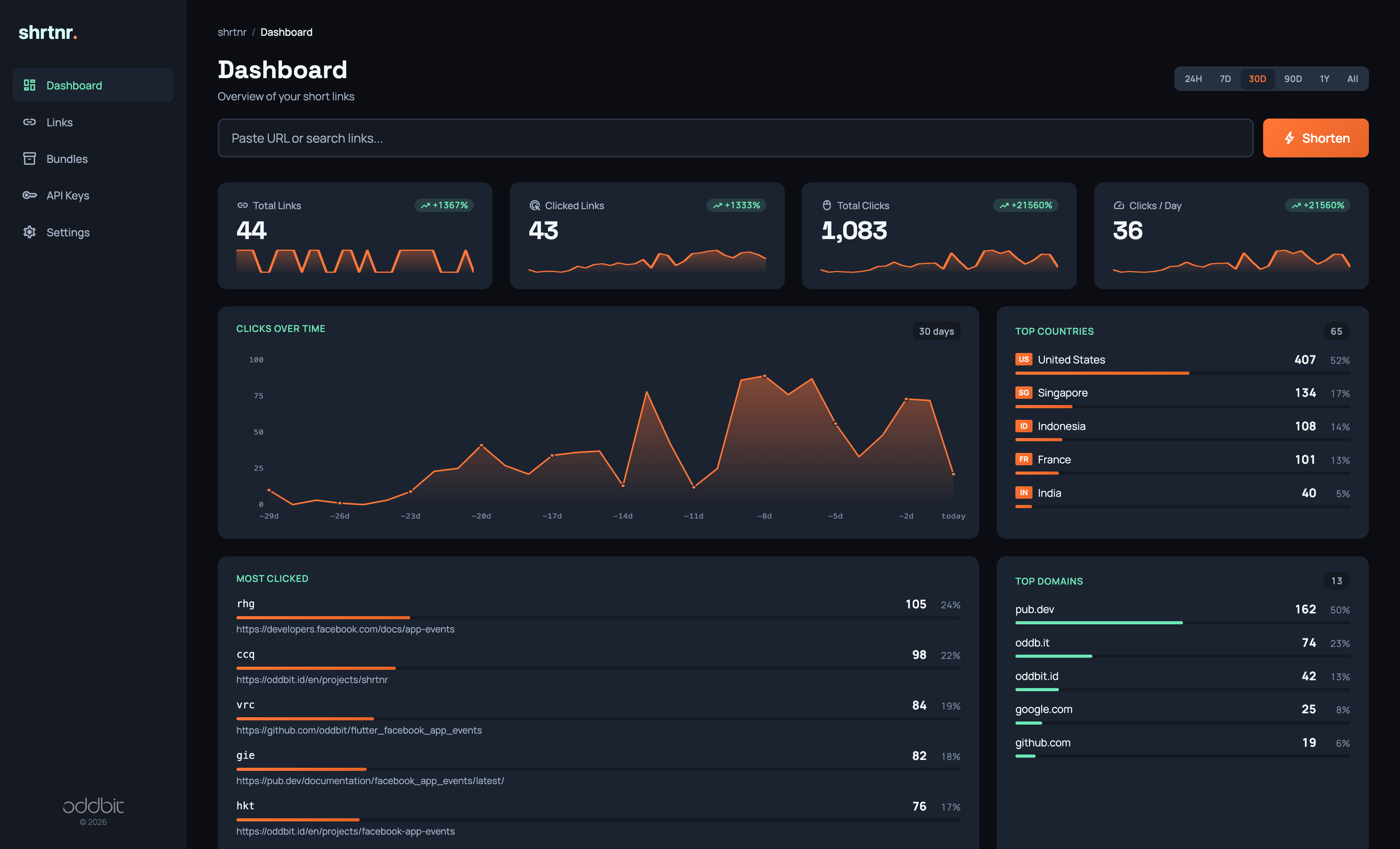
But KV is eventually consistent. Writes propagate globally, but not instantly. And once you need analytics, KV falls apart. You can't query it. You can't aggregate across dimensions. You can't ask "show me clicks by country for the last 30 days" because KV doesn't support anything resembling a WHERE clause.
Shrtnr uses Cloudflare D1, which gives us a SQLite-based relational database model that fits well with Workers. It gives us relational queries, indexing, and the ability to run real analytics on click data without a separate analytics pipeline. Link lookups, click recording, time-range filtering, and multi-dimension aggregations all happen inside D1, without needing a separate analytics pipeline.
We index the tables for the query patterns that actually matter: slug resolution (the hot path on every redirect), time-range filtering for analytics dashboards, and multi-dimension aggregation across country, referrer, device, browser, and OS.
For analytics, the Worker fans out parallel queries across all five dimensions using Promise.all(). One API request triggers concurrent D1 reads and assembles the result. No background jobs. No queue processing. At moderate scale this works well and keeps the analytics real-time. At very high traffic volumes, the multiple queries per request start eating into D1's daily read limits, and you'd want to think about caching or pre-aggregation. For our usage, the tradeoff is worth it.
// Parallel analytics queries across all dimensions
const [countries, referrers, devices, browsers, os] = await Promise.all([
  db.prepare(`
    SELECT country, COUNT(*) as clicks
    FROM clicks
    WHERE link_id = ?
      AND clicked_at BETWEEN ? AND ?
    GROUP BY country
    ORDER BY clicks DESC
  `).bind(linkId, start, end).all(),
  db.prepare(`
    SELECT referrer, COUNT(*) as clicks
    FROM clicks
    WHERE link_id = ?
      AND clicked_at BETWEEN ? AND ?
    GROUP BY referrer
    ORDER BY clicks DESC
  `).bind(linkId, start, end).all(),
  db.prepare(`
    SELECT device_type, COUNT(*) as clicks
    FROM clicks
    WHERE link_id = ?
      AND clicked_at BETWEEN ? AND ?
    GROUP BY device_type
    ORDER BY clicks DESC
  `).bind(linkId, start, end).all(),
  db.prepare(`
    SELECT browser, COUNT(*) as clicks
    FROM clicks
    WHERE link_id = ?
      AND clicked_at BETWEEN ? AND ?
    GROUP BY browser
    ORDER BY clicks DESC
  `).bind(linkId, start, end).all(),
  db.prepare(`
    SELECT os, COUNT(*) as clicks
    FROM clicks
    WHERE link_id = ?
      AND clicked_at BETWEEN ? AND ?
    GROUP BY os
    ORDER BY clicks DESC
  `).bind(linkId, start, end).all(),
]);
Is D1 the right choice for every project? No. KV is still better for simple key lookups where you don't need relational queries. R2 is better for object storage. Durable Objects are better for stateful coordination. But for a product that needs both fast lookups and queryable analytics, D1 is the tool that fits.
Hono: built for edge runtimes, not adapted to them
The API layer is Hono, a TypeScript framework designed from scratch for edge runtimes. This choice matters more than it looks.
Express-style frameworks carry assumptions about long-lived server processes, middleware chains, and Node.js-specific APIs. You can make them run on Workers with adapters and compatibility shims, but you spend time working around the framework instead of working with the platform. We've done that kind of adapter-driven work on other platforms before. It's never fun, and the edge cases multiply.
Hono was built for the execution model Workers use: short-lived handlers, no filesystem, strict memory limits. It fits the runtime the way Rails fits a VPS. No adapters needed.
The frontend renders server-side JSX through Hono's built-in support. The admin dashboard, link detail pages, and settings UI are all generated at the edge and streamed to the browser. No client-side framework. No hydration cost. No bundle to download before the page becomes interactive.
// Server-side rendered page at the edge
app.get("/links/:id", async (c) => {
  const link = await getLink(c.env.DB, c.req.param("id"));
  const analytics = await getAnalytics(c.env.DB, link.id);

  return c.html(
    <Layout title={link.label || link.url}>
      <LinkDetail link={link} analytics={analytics} />
    </Layout>
  );
});
This is one of those decisions that might seem minor, but it compounds. Server-side rendering at the edge means first paint happens in the same request that resolves the page. There's no JavaScript payload blocking render. The dashboard loads fast on any connection, in any country, because the HTML is assembled close to the user and sent as a stream.
More importantly, it lets us keep the entire app in the same mental model: one Worker, one framework, one deployment target.
What's next
That covers the architecture: why Workers, why D1 instead of KV, and why Hono instead of Express. In the next post, we cover the production side: three authentication systems running in a single Worker, one-click deployment, the TypeScript SDK, and what it actually costs to run this in production (spoiler: it runs within Cloudflare's free tier).
About Oddbit
We're a senior software development team based in Bali, Indonesia, with roots in Sweden. We build custom software for startups and scale-ups: web applications, mobile apps, SaaS platforms, and the integrations that connect them. Our clients span the Nordics, Europe, and Southeast Asia.
Shrtnr is one of several open-source tools we've built and released. Others include Tanam (a Firebase CMS with AI content generation), Flutter packages with about hundred thousand downloads on pub.dev, and Firebase Genkit plugins for AI model integration.
If you're working through a technical architecture decision, evaluating edge computing for your product, or building something from scratch, talk to us. We'd rather show you our work than tell you about it.